
Pippin the MoverBOT
About
Move Discord messages to another channel, thread, forum post, or server.
Pippin moves or copies messages, threads, forum posts and private threads. Authors keep their server nickname and avatar. Attachments, embeds, reactions and message order come along. Every feature is on the free plan.
Add Pippin to Discord · Watch the demo
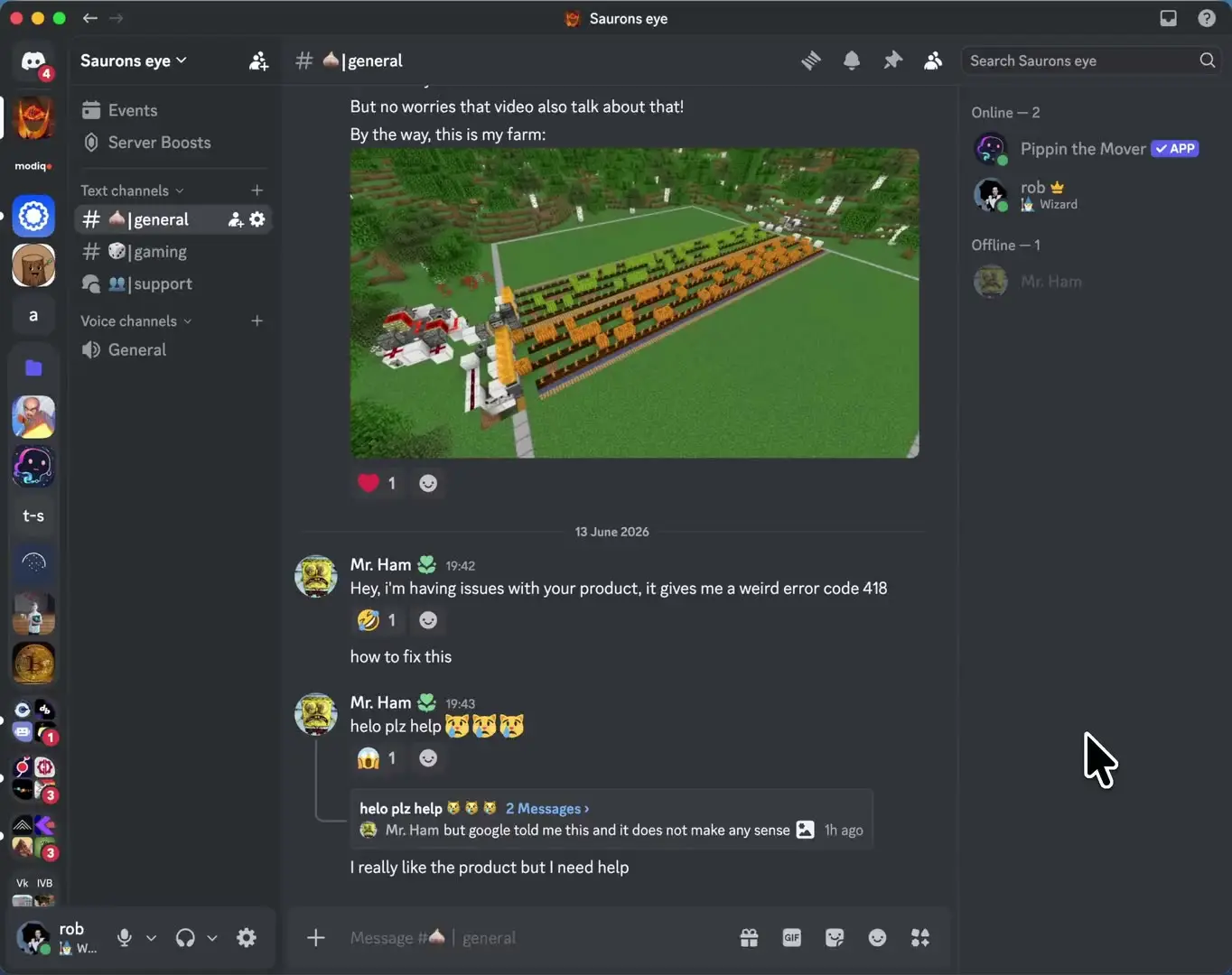
Move a conversation in a few clicks
Right-click a message, or open the message menu on mobile. Pick Apps > Move. Choose the destination and messages, review, then start. When the move is done, choose Delete originals or Keep originals. If nobody answers, Pippin keeps them.
Use Apps > Copy to copy without the delete prompt. Use Apps > Edit copy to fix the text or files of a copy Pippin posted.
Reposts go through webhooks, so they get new IDs and timestamps. Reply links and pins do not carry over. Files follow the destination server's upload limit.
Move to another server
Install Pippin in both servers, then choose Apps > Move cross server. A guided setup walks you through it. Watch the cross-server demo.
Forward new messages automatically
Use /feed to forward new posts from up to 25 source channels into one channel, thread or forum post, in the same server or another one. Filter for images, files, specific text, or posts a moderator reacts to. Free servers get one feed. Watch the /feed demo.
Keep a record
Use /audit-log to post who moved what, and whether originals were deleted, in a channel you choose.
Free to start
Each server gets 300 moves a month plus 1,000 one-time bonus moves. Moves and feeds use the same move balance. No credit card is needed. Paid plans raise the monthly moves and the number of feeds. See pricing.
Example command
/help
Reviews
0.0 · 0 · members onlyNo reviews yet. Server owners who installed this bot can review it.
Log in to review — members only.